How to Make a Social Media Content Calendar
October 16, 2026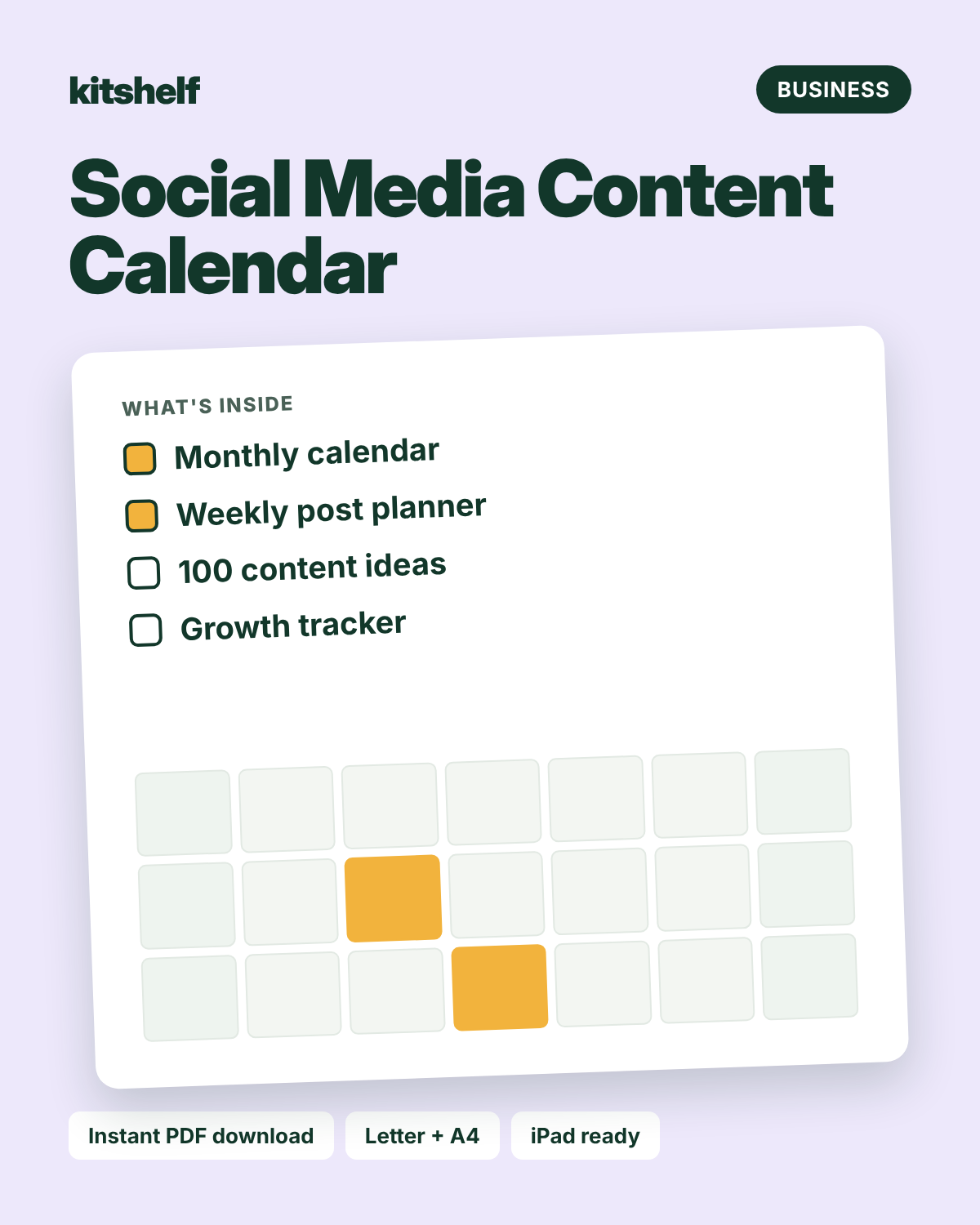
Most accounts don't stall because of a lack of ideas. They stall because every post is decided on the day. A content calendar moves that decision to one planning session a month.
1. Choose four content pillars
Pillars are the themes you post about. A good mix is one to teach, one to inspire, one to connect (behind the scenes, your story) and one to sell. Rotating them keeps your feed from feeling like an advert.
2. Decide how often you can really post
Three good posts a week beats seven rushed ones. Pick a number you can keep up on a busy week, not your best week.
3. Fill the month with ideas
Drop ideas into the calendar by pillar. Plan around dates that matter to your audience, like holidays, launches and sales.
4. Batch the work
Write captions and hooks for the whole week in one sitting, then create the photos or videos in another. Batching saves a surprising amount of time.
5. Track what works
At the end of the month, note your reach, saves, shares and new followers. Do more of what worked next month and drop what didn't.
Plan it on paper
The Social Media Content Calendar includes a content plan with four pillars, monthly and weekly planners, 100 content ideas, a hashtag and caption bank and a 12-month growth tracker.
Keep reading: Small business planning basics · How to plan your month